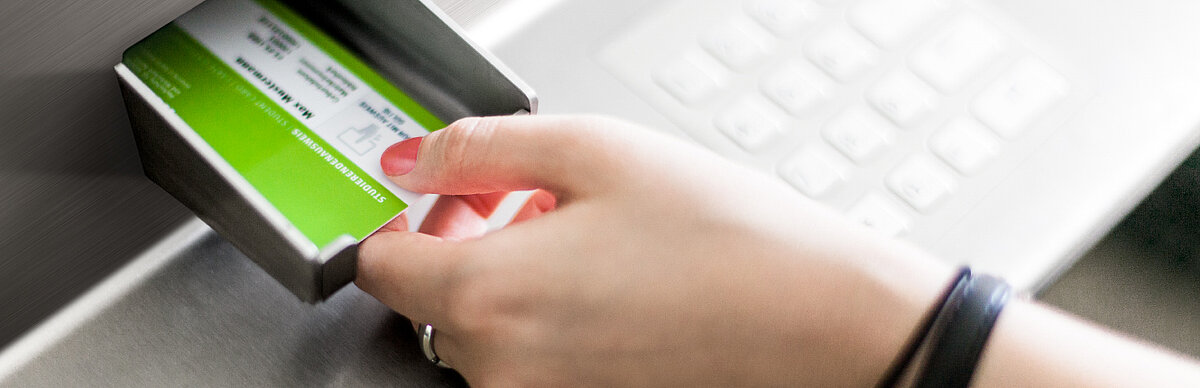
HTW StudentCard
Functions
The HTW Berlin StudentCard serves as a
- Student ID card
- Cafeteria card
- Copy card
- HTW Berlin library card
- Access card to the buildings during the lecture-free period
The HTW StudentCard is not asemester ticket.
Validity
The StudentCard is always valid for one semester (from 1 April for the summer semester, from 1 October for the winter semester) and must be reactivated each semester.
Card issue - only once at the start of the degree programme
- Activate your HTW account: access data will be sent to your private email address.
- Open the QR code: login to the LSF campus management system with your HTW account and retrieve your personal QR code under the section entitled "QR code StudentCard".
- Create and validate your card: use the QR code to create your card at the issuing machine and then activate it at the validation machine.
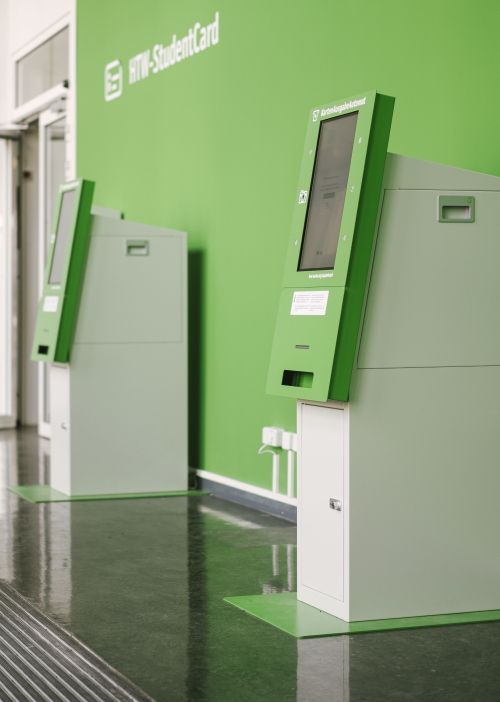
Location of the issuing machines:
- Treskowallee campus, building A, in front of room 149 (2 devices)
- Wilhelminenhof campus, building F, F1 entrance lobby (2 devices)
Our tips:
- If possible, collect your StudentCard in the week before the semester begins. You will then already have access to the buildings and avoid waiting times at the start of the semester.
- Upload your photo in advance when you activate your HTW Berlin account. This saves time and usually ensures better quality than if you have a photo taken directly at the issuing machine. In general, a StudentCard can also be used without a photo, but then only in conjunction with an official ID.
Reactivation of the card - each semester
Activation or validation is required at the beginning of each semester. To do this, insert the card into a validation machine. The current semester is then printed onto the card.
Locations of the validation machines:
- Treskowallee campus
- building A, in front of room 147 (2 devices)
- building D, canteen lobby
- Wilhelminenhof campus
- building G, first floor (2 devices in front of the lifts)
- building F, F1 entrance lobby (2 devices)
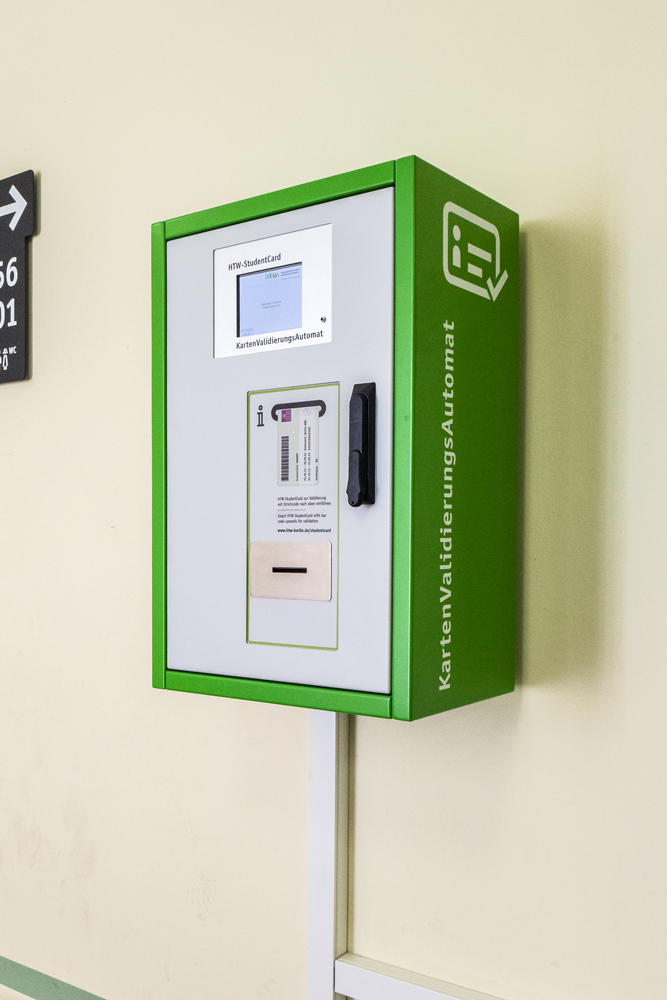
As soon as you have re-registered for the new semester, you can carry out the validation - even before the start of the semester. Both the current and the upcoming semester will then be printed on your card.
Replacement in case of defect or loss
- If your StudentCard is defective or lost, you can apply for a replacement card at the Student Service Centre. Your old card will then be deactivated.
- A fee for the replacement card will be charged in the event of a defect or loss caused by the cardholder (payment by EC card).
- You will receive a new QR code. You can use this to create your replacement card and also transfer your cafeteria credit. Present the code at the canteen checkout.